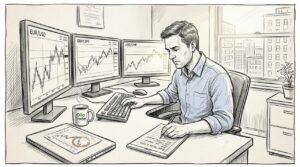











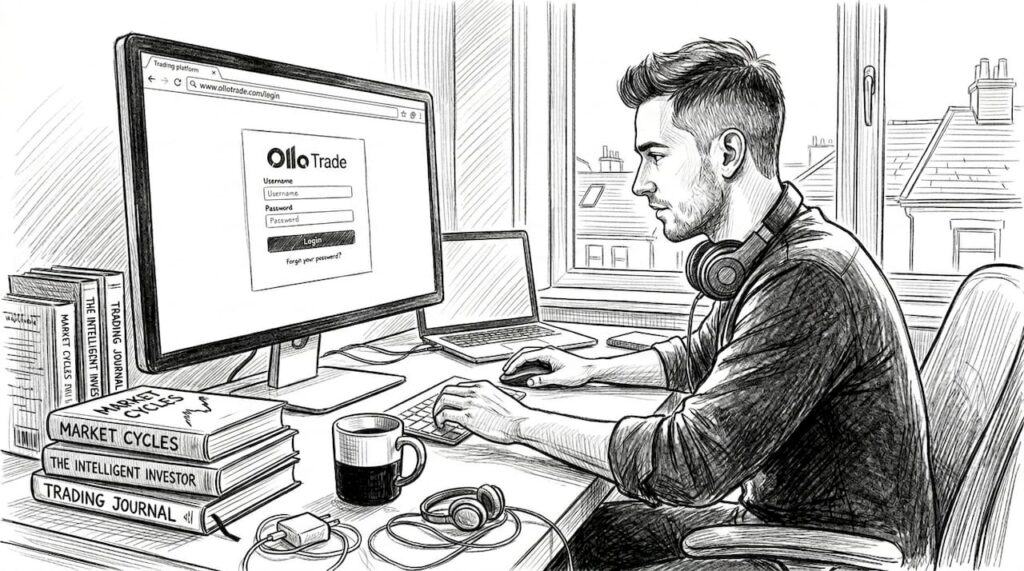
Your trading platform setup can make or break your execution speed and decision quality. A cluttered workspace, slow internet, or the wrong software stack costs you money in missed entries, delayed exits, and mental fatigue. This guide walks you through the essential equipment, platform selection, account setup, workflow optimization, and common mistakes to avoid, whether you’re a retail beginner trading Forex pairs or a professional running automated strategies across CFDs and crypto. By the end, you’ll have a clear roadmap to build a trading environment that matches your strategy and skill level.
Table of Contents
- Essential equipment and workspace for trading
- Selecting your trading platform: Types and features
- Account setup: Steps for regulated Forex, CFD, and crypto brokers
- Optimizing your screen layout, tools, and workflow
- Troubleshooting, safety, and mistakes to avoid
- Ready to trade? Unlock more with Olla Trade
- Frequently asked questions
Key Takeaways
| Point | Details |
|---|---|
| Start with essentials | A reliable computer, stable internet, and ergonomic workspace form your trading foundation. |
| Choose platforms wisely | Select trading platforms and tools that match your asset class and trading strategy. |
| Optimize workflow | Use screen layouts and timeframes tailored to your trading style for best results. |
| Stay safe and secure | Always use regulated brokers, enable account protections, and avoid common mistakes. |
| Explore Olla Trade tools | Advance your trading with specialized Forex and Crypto platforms, resources, and guides. |
Essential equipment and workspace for trading
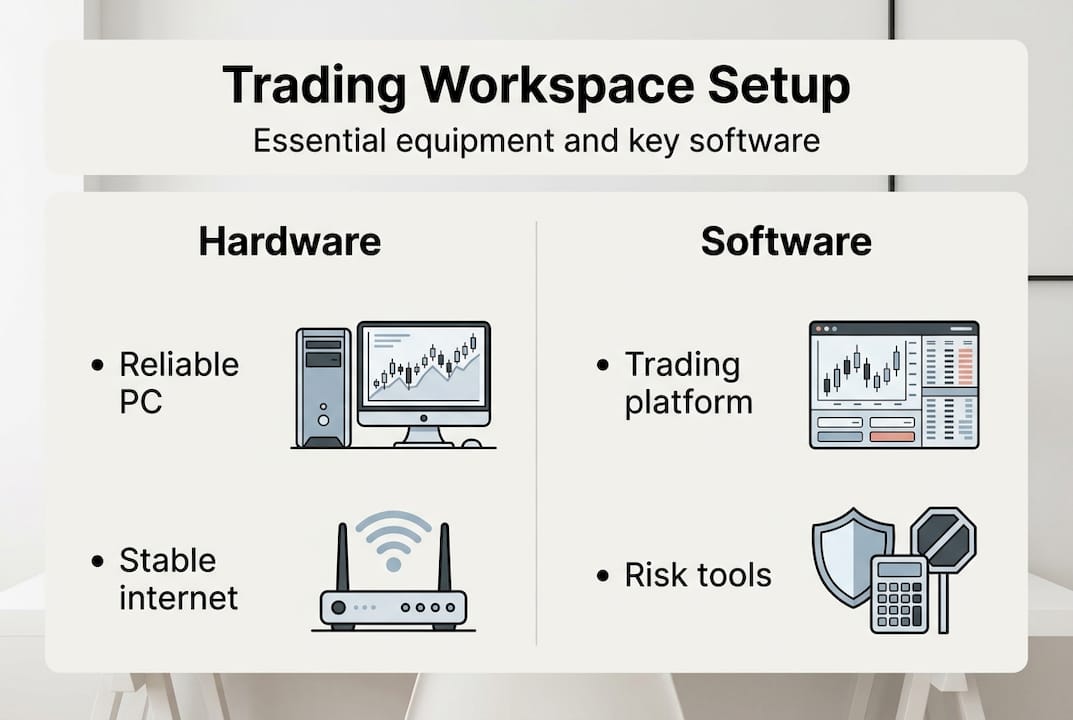
With the purpose of your trading space clear, let’s pin down what hardware and workspace essentials you need. Your physical setup directly impacts focus, comfort, and execution speed. Reliable hardware and ergonomic furniture form the foundation of any successful trading station, whether you’re starting with a single laptop or scaling to a multi-monitor command center.
Pro Tip: Stick with a single monitor until your workflow justifies adding more. Extra screens can overwhelm beginners and fragment attention.
Here’s a comparison of retail versus professional setups:
| Component | Retail Trader | Professional Trader |
|---|---|---|
| Computer | Mid-range laptop or desktop | High-performance desktop with SSD |
| Monitors | 1 screen (15-24 inch) | 2-4 screens (24-32 inch each) |
| Internet | 25+ Mbps stable connection | 100+ Mbps fiber with backup |
| Chair | Ergonomic office chair | Premium ergonomic chair with lumbar support |
| Software | Free charting tools, demo accounts | MT5, cTrader, TradingView Pro, VPS hosting |
For both groups, prioritize these workspace essentials:
- Stable internet connection to prevent disconnections during volatile market moves
- Ergonomic seating to reduce fatigue during long trading sessions
- Distraction-free environment with minimal noise and interruptions
- Backup power supply (UPS) to protect against sudden outages
- Proper lighting to reduce eye strain and maintain focus
Retail traders should focus on the basics: a reliable computer, stable internet, and a comfortable chair. Professionals need faster hardware, redundant internet, and multi-screen setups to monitor multiple timeframes, assets, and order books simultaneously. Avoid over-investing in equipment before you’ve tested your strategy and confirmed your trading style. Start simple, then scale as your needs become clear. For more guidance on beginner trading setups, explore foundational strategies and tools.
Selecting your trading platform: Types and features
Once your hardware is in place, the next step is choosing the platform where your trades will happen. Your platform choice determines execution speed, available tools, automation capabilities, and the assets you can trade. The wrong platform creates friction, while the right one becomes invisible, letting you focus entirely on strategy.
Here’s how the major platforms compare:
| Platform | Supported Assets | Automation | Latency | Multi-Screen | Risk Tools |
|---|---|---|---|---|---|
| MT5 | Forex, CFDs, stocks | Expert Advisors (EAs) | Sub-10ms with VPS | Yes | Stop-loss, trailing stops |
| cTrader | Forex, CFDs | cBots, cAlgo | Sub-10ms with VPS | Yes | GSLO, trailing stops |
| TradingView | Forex, stocks, crypto | Pine Script | Higher (web-based) | Limited | Basic stop-loss |
| Binance | Crypto only | Grid bots, API | Low for crypto | Limited | Stop-limit, OCO |
Forex daily volume hits $9.6 trillion, and professionals demand execution latency under 10 milliseconds. MT5 and cTrader deliver raw ECN pricing with spreads as tight as 0.0 pips, making them the top choice for serious Forex and CFD traders. TradingView excels at charting and social trading but lags in execution speed. Binance dominates crypto with deep liquidity and advanced automation like grid trading.
Follow these steps to choose your platform:
- Identify your primary asset class: Forex and CFDs favor MT5 or cTrader; crypto traders should start with Binance or Kraken.
- Assess your automation needs: If you plan to run bots or EAs, prioritize platforms with robust scripting (MT5, cTrader, Binance API).
- Test execution speed: Open demo accounts and measure order fill times during high-volatility periods.
- Evaluate risk management tools: Ensure the platform supports guaranteed stop-loss orders (GSLO) or trailing stops if your strategy requires them.
- Check multi-device compatibility: Confirm the platform works seamlessly across desktop, mobile, and web.
Pro Tip: Always demo-test a platform for at least two weeks before funding a live account. Simulate your full trading routine to uncover workflow friction.
For a deeper dive into platform feature guides and top trading tools, explore how different platforms align with specific strategies. You can also review a detailed platform comparison to weigh MT4, MT5, cTrader, and TradingView side by side. For a comprehensive overview, check out our trading platform overview.
Account setup: Steps for regulated Forex, CFD, and crypto brokers
With your platform selected, here’s how to get your accounts properly set up and secure, step by step. Opening an account is straightforward, but skipping verification, security settings, or risk controls can expose you to fraud, over-leverage, or regulatory issues.
Follow this process for Forex and CFD brokers:
- Research regulated brokers: Verify credentials with CFTC, FCA, or ASIC to ensure legal protection and fund segregation.
- Open and verify your account: Submit ID, proof of address, and complete KYC (Know Your Customer) checks.
- Fund your account: Deposit using bank transfer, credit card, or e-wallet; start small to test withdrawal processes.
- Open a demo account first: Practice with virtual funds to learn platform mechanics and test strategies risk-free.
- Learn the basics: Understand lot sizes (micro, mini, standard), leverage ratios, and margin requirements.
- Develop a trading plan: Define entry/exit rules, risk per trade (1-2% of capital), and position sizing.
- Place your first trade: Use limit orders and set stop-loss levels before entering any position.
For crypto exchanges like Binance, the process differs slightly:
- Create and verify your account: Provide email, phone, and complete identity verification (KYC).
- Enable two-factor authentication (2FA): Use Google Authenticator or SMS to secure login and withdrawals.
- Fund your account: Deposit fiat or crypto; double-check network selection (ERC-20, BEP-20, etc.) to avoid lost funds.
- Start with spot trading: Use market or limit orders on pairs like BTC/USDT; fees start at 0.1% (25% discount with BNB).
- Explore advanced features: Set up grid trading by defining price range, grid count, investment amount, and take-profit/stop-loss levels.
Security Alert: Always enable 2FA on all accounts. When using API keys for bots, disable withdrawal permissions to limit exposure. For grid trading in trending markets, set stop-loss orders to cap downside risk.
Common mistakes to avoid:
- Using wrong lot sizes: Beginners often trade standard lots (100,000 units) instead of micro lots (1,000 units), risking excessive capital.
- Over-leveraging: High leverage (50:1 or more) amplifies losses; stick to 10:1 or lower until you’re consistently profitable.
- Skipping verification: Unverified accounts face withdrawal delays and lower limits.
- Ignoring withdrawal tests: Always withdraw a small amount first to confirm the process works smoothly.
For detailed walkthroughs, explore our step-by-step account setup and account setup guide. You can also follow Binance setup steps for crypto-specific instructions.
Optimizing your screen layout, tools, and workflow
Now that your accounts are in place, let’s fine-tune your trading environment for real-time execution and strategy optimization. Your screen layout, tool selection, and workflow structure determine how quickly you spot opportunities, execute trades, and manage risk. A cluttered or poorly organized workspace slows decision-making and increases errors.
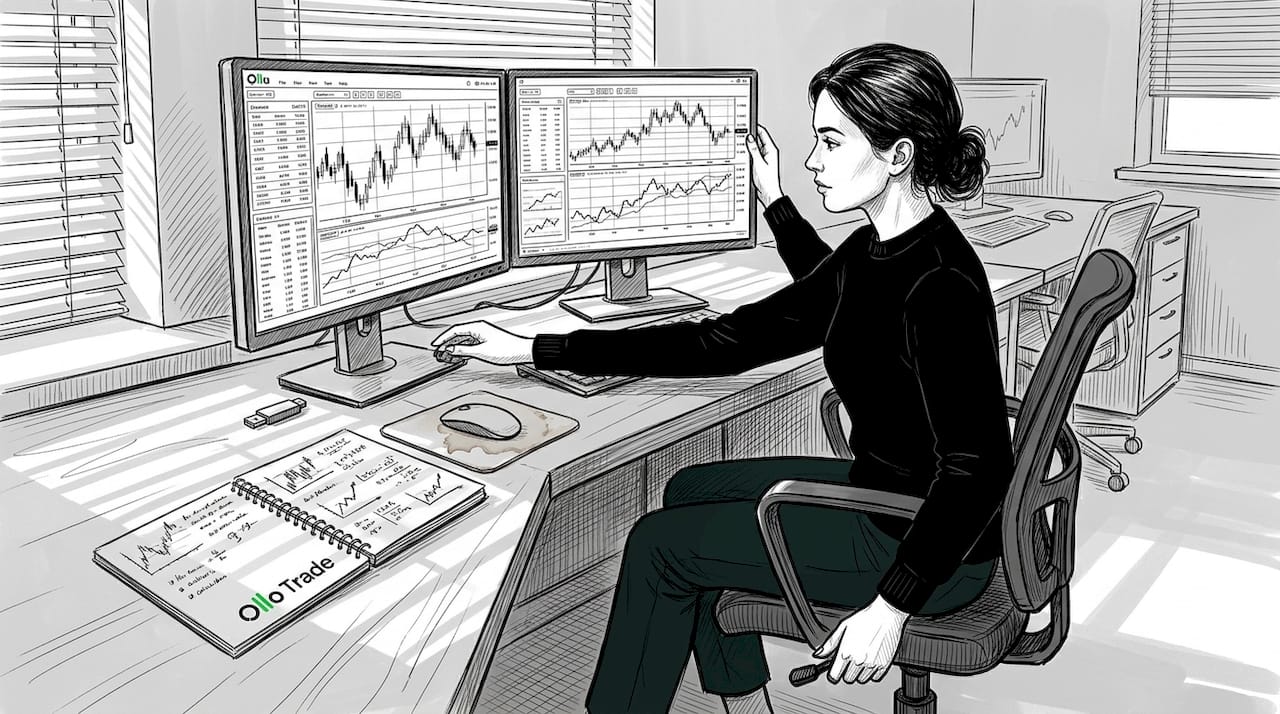
Active traders use one to four monitors to display watchlists, linked charts in multiple timeframes, market indices, and core assets. Match your timeframes to your trading style: scalpers need one-minute to five-minute charts, while swing traders focus on four-hour to daily timeframes.
Here’s what to display on your screens:
- Watchlists: Track your core assets (major Forex pairs, indices, or top crypto by volume).
- Multiple chart timeframes: Link charts to view the same asset across different periods (e.g., one-minute, 15-minute, one-hour, daily).
- Market indices: Monitor VIX, S&P 500, or DXY to gauge broader market sentiment.
- Order book and depth: For crypto and high-frequency trading, watch bid/ask spreads and liquidity.
- News feed: Display real-time economic calendars or breaking news relevant to your assets.
Statistic: Forex daily volume reached $9.6 trillion in 2025, and professional traders demand execution latency under 10 milliseconds to capitalize on fleeting opportunities.
Pro Tip: Only add screens or tools as your workflow justifies them. Too many displays can overwhelm and fragment focus, especially for beginners. Start with one or two screens, then expand as you identify specific bottlenecks.
Match your setup to your strategy: short timeframes for scalping, longer timeframes for swing trading, and AI-optimized parameters for grid bots. Always demo-test new layouts before going live to ensure they improve, rather than hinder, your execution speed.
For more on advanced trading tools and workflow optimization, explore strategies to streamline your trading routine.
Troubleshooting, safety, and mistakes to avoid
To protect your capital and workflow, troubleshoot and anticipate these common setup mistakes and regulatory pitfalls. Even experienced traders encounter hardware limits, latency issues, and security gaps that can derail performance or expose accounts to risk.
Hardware and software issues:
- Multi-monitor limits: Your graphics card may cap the number of displays; check specs before buying additional screens.
- Latency bottlenecks: For scalping, MT5 and cTrader outperform web-based platforms like TradingView; consider VPS hosting to reduce ping.
- Platform crashes: Keep backup internet (mobile hotspot) and alternative devices ready for critical trading sessions.
Regulatory and Risk Alerts: The pattern day trader rule requires $25,000 minimum for US day trading accounts. Grid trading carries risk in trending markets; always set stop-loss orders. When using API keys for bots, disable withdrawal permissions to prevent unauthorized access.
Common mistakes that cost traders money:
- Over-leveraging positions: High leverage magnifies losses; stick to conservative ratios until you’re consistently profitable.
- Missing stop-loss orders: Every trade should have a predefined exit to cap downside risk.
- Using unregulated brokers: Verify credentials with CFTC, FCA, or ASIC to ensure fund protection and legal recourse.
- Ignoring latency for scalping: Execution speed matters; choose platforms with sub-10ms latency and consider VPS hosting.
- Skipping demo testing: Always test new platforms, strategies, and tools with virtual funds before risking real capital.
For more on crypto trading risks and top forex tips, explore how to navigate volatility and regulatory complexity.
Ready to trade? Unlock more with Olla Trade
With your setup complete and pitfalls managed, take the next step by exploring platform features and trading tools now available. Olla Trade offers a comprehensive ecosystem designed for both retail and professional traders, with tight spreads, fast execution, and advanced tools across Forex, CFDs, and cryptocurrencies.
Whether you’re trading major Forex pairs, CFDs on indices and metals, or diving into crypto markets, Olla Trade provides the infrastructure you need. Explore our Forex trading platform for access to raw ECN pricing and MetaTrader 4 integration, or check out our crypto trading platform for seamless spot and derivatives trading. Dive deeper into platform features to understand how charting tools, expert advisors, and risk management features can elevate your strategy. Start with a demo account, test your workflow, and scale confidently.
Frequently asked questions
What’s the minimum hardware needed for successful trading?
You need a reliable PC or laptop, stable internet, ergonomic furniture, and core trading software; multi-screens are optional for beginners. Focus on essentials first, then upgrade as your strategy demands.
How many monitors should a professional trader use?
Active pros typically use two to four screens to display watchlists, multiple chart timeframes, and core assets, adapting layout to their trading style. Match your setup to your workflow, not arbitrary standards.
What risks should I look out for when setting up my trading accounts?
Common risks include using unregulated brokers, neglecting 2FA or API permissions, and leveraging too much; always verify credentials and apply risk controls. Test withdrawals early to confirm account security.
What’s the fastest way to optimize my trading workflow?
Match your screen layout and tools to your trading style, use timeframes wisely, and demo-test before going live to minimize latency and mistakes. Eliminate unnecessary tools that fragment focus.